
The short answer
Set a rhythm when the quote goes out and let a simple system keep it. A building quote can take days to prepare, and the client may take weeks to decide. One email with a PDF, followed by silence, wastes that effort. A few well-timed, useful messages keep you in the conversation without pestering.
Automation handles the remembering. It notices that a quote was sent, sends or prompts the next message at the right time and stops the moment the client replies. You still write the words, make the calls and decide who is worth pursuing.
Why building quotes need a different rhythm
A quote for a small repair is decided quickly. A quote for an extension or a fit-out is weighed against others, discussed with a partner or a board, checked against finance and sometimes held up by planning or design changes. Silence usually means the client is busy or waiting on something, not that they have chosen someone else.
So the sequence should be slower and longer than a general one. Our guide on how to automate quote follow-ups covers the method for any business. Building work needs the longer version.
The quote is rarely judged alone. While deciding, the client goes back to your site and your reviews, which is one reason good websites for builders show finished projects in detail.
A follow-up rhythm that fits long decisions
| When | Message | What it adds |
|---|---|---|
| Same day | Confirm the quote was sent and what it covers | Certainty that it arrived, and who to ask |
| A few days later | Offer a call to walk through it | A chance to explain exclusions and allowances |
| A week or two later | Answer a question clients often ask | Reassurance on programme, payment stages or disruption |
| A few weeks later | Share a similar finished project | Proof you have done this before |
| About a month later | Ask whether anything has changed | An easy way to revise scope or timing |
| Final message | Say you will leave it with them | A polite close and an open door |
Adjust the gaps to the size of the job. A new build with a design team moves more slowly than a single-storey extension. Tell the client at the start that you will check in from time to time, so the messages are expected. If the quotes you send are mostly for the wrong work, fix that first with our guide to getting more high-value building enquiries.
What each message should add
A message that only says 'just checking in' gives the client nothing. Each one should carry something of use.
- An answer to a likely question: how long on site, how payments are staged, how you protect the rest of the building.
- An offer: a call, a visit to a current site or a word with a past client who has agreed to it.
- A relevant finished project, with photos and a line on what was similar.
- A practical note: your next available start date and how long the quote stays valid.
- An easy way out: tell them it is fine to say no.
Keep each message to a few lines, written as you would speak. Following up well is one part of the wider picture set out in how to market a building company.
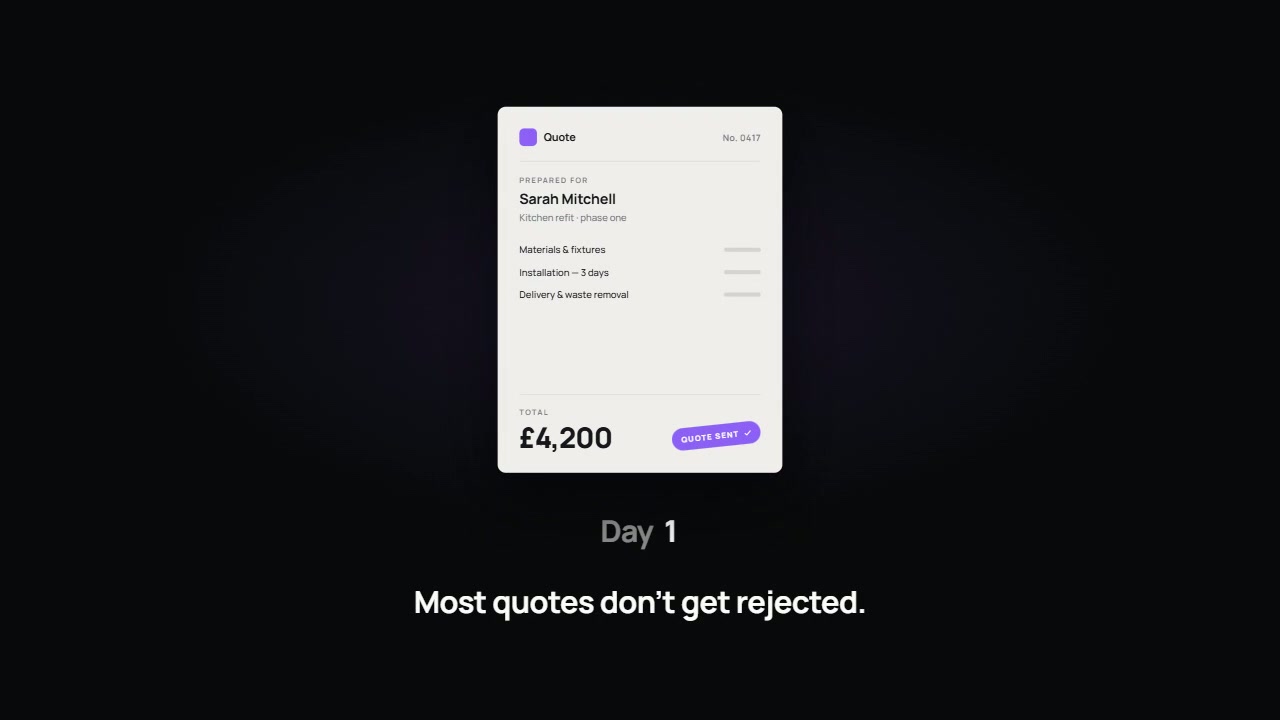
What a simple automated sequence looks like
You do not need specialist software to start. Most set-ups have the same parts, whether they sit in a CRM (a customer relationship management system, which stores contacts and jobs) or are joined up with a connecting tool such as Zapier, Make or n8n.
- A trigger: the quote is marked as sent in your quoting tool, CRM or spreadsheet.
- A record: client, project type, value, date sent and who owns it.
- Timed steps: each message or reminder is scheduled from the sent date.
- A stop rule: any reply, call or change of status ends the sequence.
- An outcome: won, lost or on hold, with a reason.
Stop when the client replies, and stay in control
The stop rule matters most. Nothing looks worse than an automated nudge arriving the day after the client rang you. Make sure a reply by email, a logged call or a status change halts everything, and test it before you rely on it.
Decide which steps send themselves and which only remind you. A sensible split is to automate the same-day confirmation and the reminders, and to have larger quotes prompt a personal call or a personally written email. Messages should come from a named person and refer to the actual project. You should be able to pause the sequence for any client at any time.
If your messages go beyond the quote into general marketing, rules on electronic marketing and personal data may apply. Keep to the quote the client asked for, make it easy to say stop and check your own obligations.
Record why quotes are lost
Ask, politely, when a client goes elsewhere or shelves the project. Record the reason in a few fixed categories: price, timing, chose a contractor they already knew, project cancelled, no response. After enough quotes a pattern appears. It may show that you lose on start dates, not price, or that one type of enquiry rarely converts and should be qualified harder.
Common mistakes
- Sending the quote as an attachment with no covering explanation.
- Following up once, then giving up.
- Messages that say 'just checking in' and nothing else.
- Automated messages that keep going after the client has replied.
- Chasing weekly on a decision that will take months.
- Never recording why a quote was lost.
Common questions
How many times should we follow up?
Enough to cover the period a client of that kind usually takes to decide, with each message adding something. For larger projects that often means several contacts spread over a couple of months. Then close politely and stop.
Will clients find automated messages impersonal?
Only if they read as though a system wrote them. Short, specific messages from a named person, with a real phone number, tend to be welcomed. Keep calls and anything sensitive for a person.
What does it cost to set up?
It depends on the tools you already use and how many steps you want. At Storm, automation starts from £999 per workflow.
Should we phone or email?
Both. A call soon after sending the quote is often the most useful step, because questions come out. Written messages suit the longer gaps and give the client something to refer back to.
What to do next
List the quotes you have sent in recent months and mark which had any follow-up. Write the messages in the table in your own words. Then decide which should send themselves and which should prompt you.
If you would like a view on the website those messages point back to, ask for our free 24-hour audit. A founder records a personal video walkthrough of your website within 24 hours, showing what a client weighing your quote would see. No call is needed, and a 15-minute call is optional.
Want this applied to your website?
George or Nicholas will record a personal walkthrough of your site within 24 hours.
Not ready for an audit? See Websites and systems for builders.