
The short answer
Most businesses put real effort into producing a quote and almost none into what happens afterwards. The customer meant to reply, got busy and forgot. A short, well-timed follow-up brings a good share of those conversations back. Automating it means every quote gets that follow-up, not just the ones someone remembers.
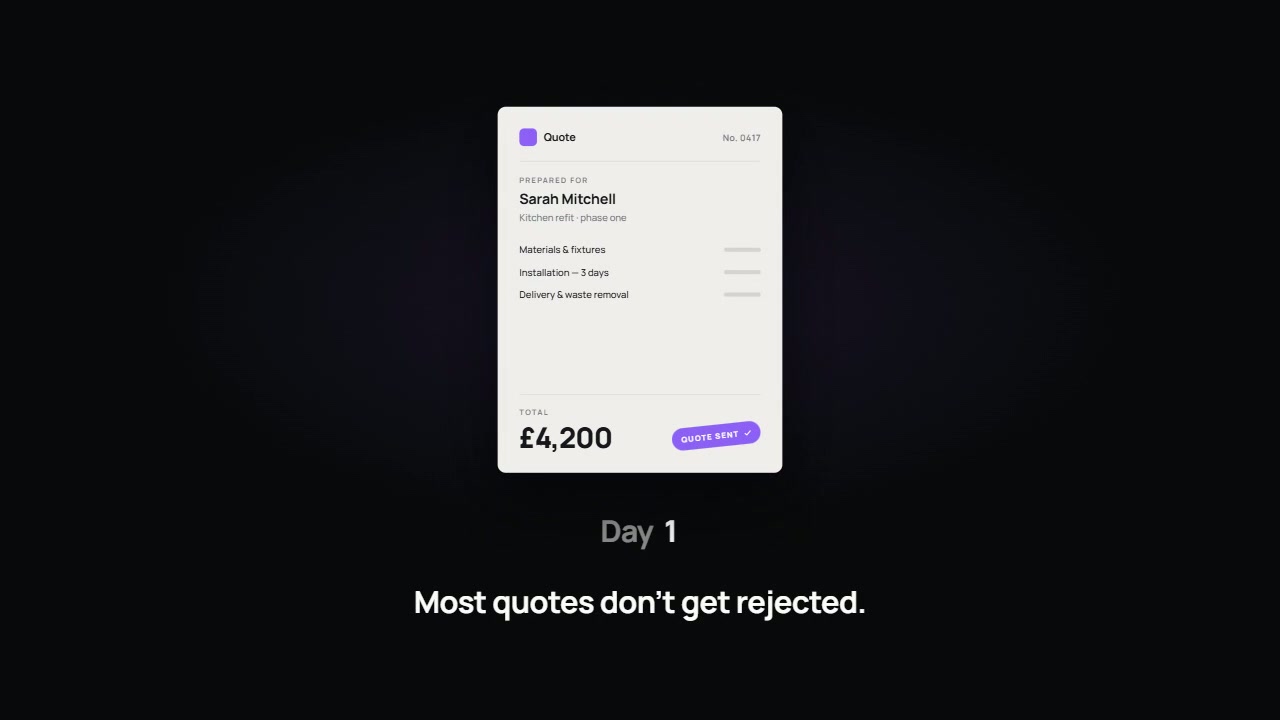
Why quotes go quiet
Silence after a quote rarely means no. More often it means one of four things.
- They have not read it properly yet.
- They have a question and have not got round to asking it.
- They are waiting for another quote to compare.
- They need someone else to agree.
Each of those is a conversation you can still have. None of them is helped by waiting three weeks and then asking whether they are still interested.
A follow-up schedule that works
| When | Purpose | What it says |
|---|---|---|
| Same day | Confirm it arrived | Here is your quote, here is what it covers, here is how to ask a question |
| Two to three working days | Invite questions | Checking it reached you and whether anything needs explaining |
| About a week later | Offer help deciding | Happy to talk it through or adjust the scope if that would help |
| About two weeks later | Close politely | We will leave it with you. The quote stands until a stated date |
Treat these timings as a starting point. A boiler replacement and a six-month building project move at different speeds, so match the gaps to how your customers actually decide.
What to say
The best follow-ups are short and specific. They mention the job, not a generic offer. They make replying easy by asking one simple question. And they sound like the person who sent the quote.
- Refer to the actual work: the kitchen extension, the year-end accounts, the new website.
- Ask one question that can be answered in a line.
- Offer a concrete next step, such as a ten-minute call.
- Never apply pressure or invent a deadline that does not exist.
What to automate, and what not to
| Automate | Keep with a person |
|---|---|
| Logging each quote with date, value and owner | Writing the quote itself |
| Sending the scheduled check-ins | Answering questions and negotiating |
| Stopping the sequence on reply, acceptance or decline | Deciding whether to adjust the price or scope |
| Reminding the owner when a high-value quote goes quiet | The phone call to a customer worth calling |
| A weekly list of open quotes | Judging which to chase harder |
The rule that matters most: stop on reply
An automated reminder that arrives the day after a customer has already replied does more harm than no reminder at all. The sequence must stop the moment there is a response, an acceptance or a decline, and the owner must be able to pause it by hand. If your quoting tool cannot tell the automation that a reply has come in, solve that before sending anything.
What you need in place first
- One place where every quote is recorded. A CRM is ideal. A disciplined shared list can work for a small team.
- A named owner for each quote.
- Agreed wording, written once in your own voice.
- A clear status for each quote: open, won, lost or expired.
If quotes currently live in individual inboxes, start there. Our CRM vs spreadsheet guide will help you decide what kind of record you need, and how to automate lead follow-up covers the step before the quote.
How to tell it is working
Count three things before you start and again after two months: the share of quotes that get any response, the share that are accepted and the average time from quote to decision. Do not expect miracles. Expect fewer quotes that simply vanish, and a much clearer view of the work in the pipeline.
What it costs
At Storm, automation on its own starts from £999 per workflow. The price depends on where your quotes are created and how easily that system can pass information on. See Storm's published pricing for the detail, and our guide to what business automation actually costs for the wider picture.
Common questions
Is it pushy to follow up three times?
Not if each message is polite, useful and easy to decline. Most customers appreciate the reminder. Stop at once if someone asks you to.
Should follow-ups be email or text?
Use the channel the customer used with you, and check the rules for the type of message you are sending. A text about a quote the customer requested is different from an unsolicited marketing message.
We only send a few quotes a month. Is this worth it?
If each one is valuable, yes, though at low volume a simple reminder to yourself may be enough. Automation earns its keep when quotes are frequent enough to be forgotten.
Can you look at how our quotes are handled now?
Yes. A free 24-hour audit can include the journey after the enquiry, which is often where the largest losses are.
Want this applied to your website?
George or Nicholas will record a personal walkthrough of your site within 24 hours.
Not ready for an audit? See CRM automation.