
The short answer
People arrive at a venue website with a decision half made. They want to know whether you are open, where you are, what you serve, what it costs and how to book. If the site answers those in a few seconds on a phone, it is doing its job. Everything else is secondary.
We built a café bar's website, booking flow and staff app, so this comes from doing the work. The points below apply to restaurants, cafés, bars, hotels and venues alike, and they are what we look for first when reviewing websites for hospitality.
The checklist at a glance
| What to check | Why it matters |
|---|---|
| Opening hours, including bank holidays and kitchen times | Wrong hours send people to a closed door |
| Address, map, parking and public transport | Removes the last doubt before setting off |
| Menus as text on the page, with prices | Readable on a phone, by search engines and by screen readers |
| A booking button on every page | Each extra step gives people a reason to give up |
| Photographs of the real place | Sets honest expectations and builds trust |
| Events and private hire pages | Brings in larger, planned bookings |
| Allergen and dietary information | A safety matter and a legal one |
| Accessibility details | Lets people decide whether the venue works for them |
| Phone, email and enquiry routes | Some people will always prefer to ask |
| When it was last updated | Out-of-date details undo everything above |
The basics people look for first
Opening hours
Put today's hours where they can be seen without scrolling. Show kitchen hours separately if food stops before the bar closes. Update bank holidays, Christmas and private closures before they happen, and match the hours on your Google Business Profile. Our guide to local SEO for restaurants and venues explains why that consistency matters in search.
Location and parking
Give the full address as text, a map and plain directions. Say where to park, whether it is free or paid, and where the nearest station or bus stop is. If the entrance is hard to find, add a photograph of it.
Menus and prices
Publish menus as text on the page, not only as a PDF. A PDF can be slow to open on a phone, hard to read without zooming and awkward for screen readers and search engines. Keep one as a download if you like, but let the page do the work. Show prices too. Hiding them does not stop people caring about cost. It sends them to a venue that is open about it.
Booking in as few taps as possible
Booking is the main action, so treat it that way. Put a booking button at the top of every page and again after the menu. Ask only for what you need: date, time, party size, name and a contact detail. Confirm on screen and by message straight away.
If you also take bookings through other services, make sure your own route is at least as quick. Our comparison of direct bookings vs third-party platforms looks at how to balance the two.
What happens after the booking matters as well. Set up properly, booking automation for hospitality can send confirmations and reminders so the team is not chasing them by hand.
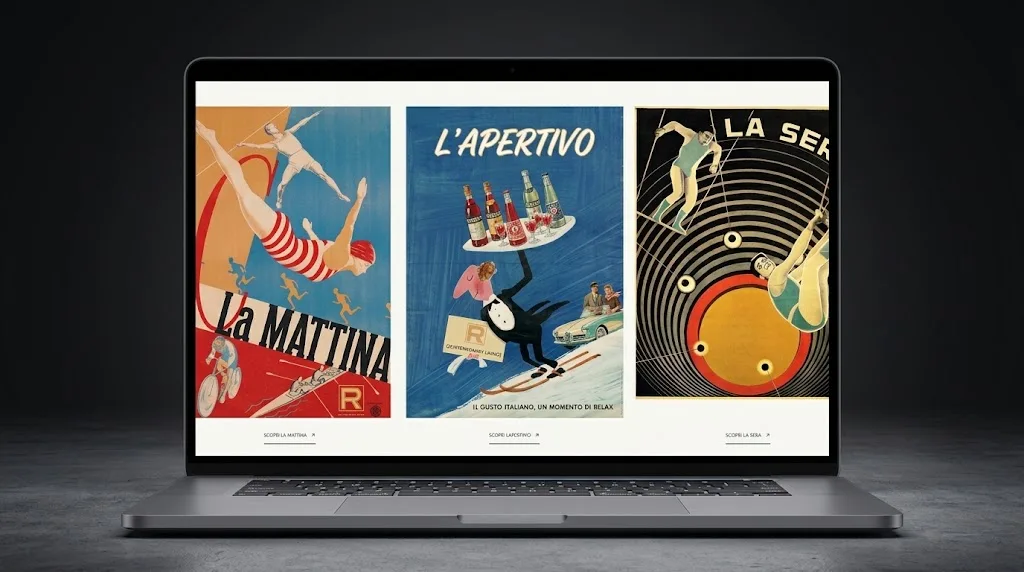
Showing the real place
Photography
Use photographs of your own rooms, food and people, taken in good light. Stock images are easy to spot and set the wrong expectation. A small set of honest pictures does more than a large gallery.
- The outside, so people recognise it from the street.
- The inside, both set up and in use.
- A few dishes and drinks as they are served.
- Any private room, garden or terrace.
- The team, if they are happy to be shown.
Events and private hire
If you host parties, weddings, meetings or wakes, give each its own page. Say what the space is like, what is included, how catering works and how to enquire. A short form that asks for the date, numbers and type of event saves several emails.
Allergens, dietary needs and accessibility
Allergen and dietary information
Handle this carefully. Food businesses have legal duties about allergen information, and what you publish online must match what happens in the kitchen. Follow the food information rules that apply to you and the official guidance for food businesses, and check your own situation. On the website, say how customers can get allergen information and invite them to tell you about allergies when booking. Never state that a dish is free from an allergen unless the kitchen can stand behind it. This is not legal advice.
Accessibility
Say plainly what access is like: steps, ramps, lifts, accessible toilets, space between tables, quieter times. Describe it as it is, without overpromising. The website should be usable too, with readable text sizes, good contrast, descriptions on images and buttons that work with a keyboard and a screen reader.
Phone-first layout and contact routes
Many visitors will be on a phone, often on the move and sometimes on a weak signal. Design for that screen first. Keep text large enough to read, buttons big enough to tap and pages light enough to load quickly. Then make it easy to reach a person.
- A phone number that starts a call when tapped.
- An email address or form for longer enquiries.
- Only the messaging and social channels you do answer.
- A note of when messages are checked.
- The address as text, so it can be copied into a map app.
Keeping it up to date
A venue website is never finished. Menus change, hours shift with the seasons and events come and go. Decide who owns updates and give them a simple way to make changes without calling a developer. Check the site at the start of each month and before every holiday period. Remove past events quickly. Last year's Christmas menu tells visitors that nobody is looking after the place.
Common mistakes
- Menus only as a PDF, or as a photograph of a printed menu.
- No prices anywhere on the site.
- Opening hours that differ between the website, the Google profile and the door.
- A booking button that leads to a long form or a general contact page.
- Stock photographs that look nothing like the venue.
- Allergen claims that the kitchen cannot support.
Common questions
Do we need a website if we are busy on social media?
Yes. Social channels are good for showing what is happening this week, but they are poor at answering practical questions and you do not control them. A website holds the facts in one place and gives search engines something to read.
Should we show prices?
In most cases, yes. People choose where to eat, drink or stay partly on cost, and a site without prices can look evasive. Show them as text so they are quick to change.
How often should we update the site?
Whenever something a customer relies on changes: hours, menus, prices, events. Beyond that, a monthly check is a sensible routine.
What does a site like this cost?
Our websites start from £2,500 for a small, focused site and most projects cost more, priced on scope and agreed in writing before work starts. Ongoing website care is £100 a month.
What to do next
Open your own website on your phone, away from the venue's wifi, and try to do four things: check tonight's hours, find parking, read the menu and book. Note anything that takes more than a few seconds.
If you would like someone else to run the same test, ask for our free 24-hour audit. A founder records a personal video walkthrough of your website within 24 hours, with the fixes that would matter most. No call is needed, and a 15-minute call is optional.
Want this applied to your website?
George or Nicholas will record a personal walkthrough of your site within 24 hours.
Not ready for an audit? See Websites and systems for leisure and hospitality.